Can You Webcam Model Without Showing Your Face?
A Guide to Faceless Webcam Modelling
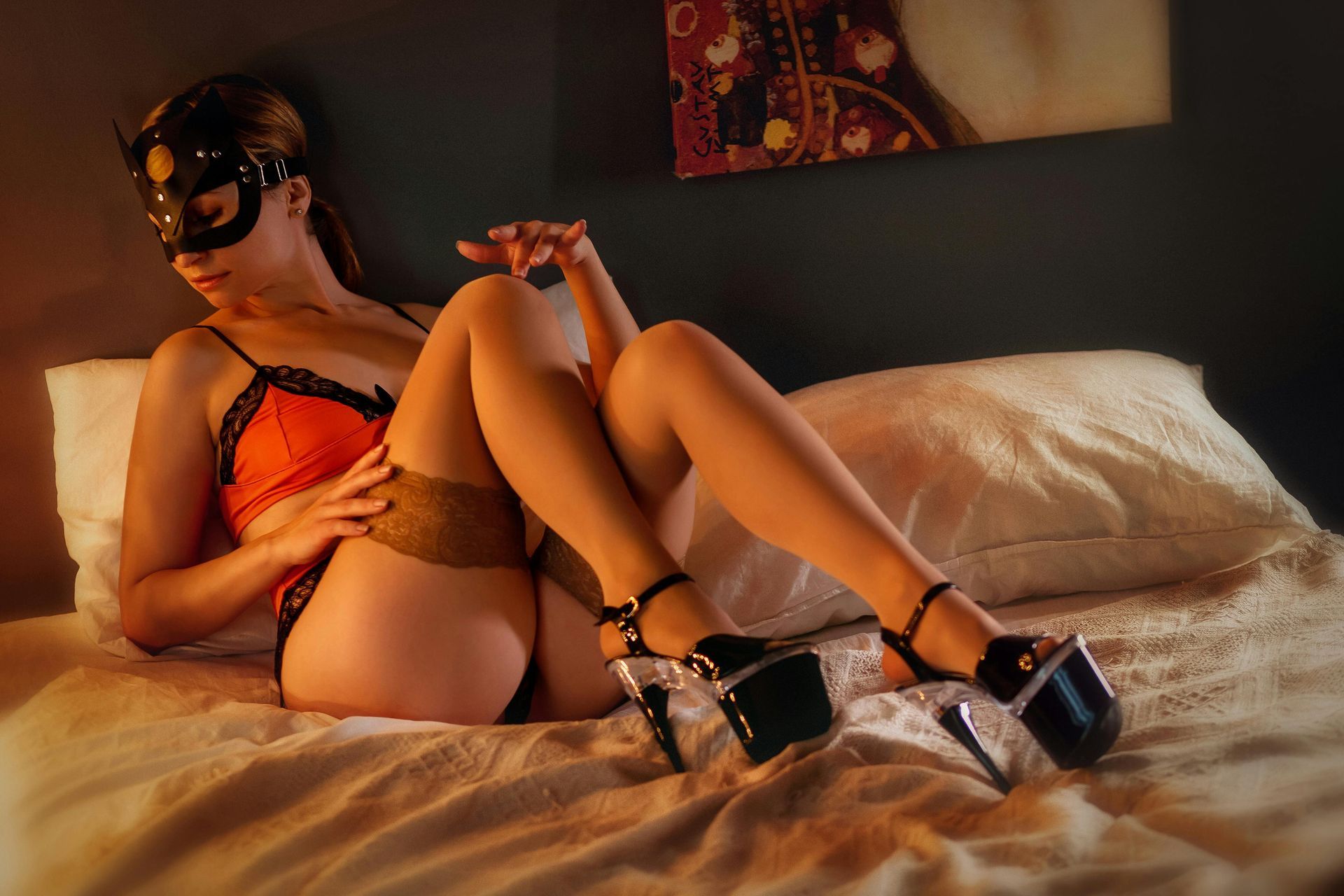
One of the most common messages we receive from women considering webcam modelling is:
"I'd love to try it… but I really don't want to show my face."
Maybe you have another career.
Perhaps you're a mum and want to keep your work completely separate from family life.
Maybe you're worried about somebody recognising you.
Or perhaps you simply don't feel comfortable showing your face online.
Whatever your reason, it's a completely understandable question.
And the answer is:
Depending on the platform and its rules, it may be possible to webcam model without showing your face publicly.
But there are some important things you need to understand before deciding whether faceless webcam modelling is right for you.
Let's talk through it.
What Is Faceless Webcam Modelling?
Faceless webcam modelling is exactly what it sounds like.
You stream without deliberately showing your full face to viewers.
This might involve positioning your camera so that the frame shows you from below your chin, using carefully chosen camera angles or otherwise keeping your face outside the visible streaming area.
However, there's an important distinction:
Being faceless to viewers does not mean being anonymous to the platform itself.
Legitimate adult platforms have age and identity-verification requirements.
You should expect to provide the required identification and verification information privately to the platform or agency before you're allowed to work.
Faceless modelling is about how you choose to present yourself during eligible public streams, not bypassing verification.
Why Do Some Models Choose Not to Show Their Face?
There are lots of reasons.
Privacy
For many women, this is number one.
They want to earn online but don't necessarily want their webcam identity connected with their everyday life.
Another Career
Some models work alongside careers in completely unrelated industries and prefer to keep the two separate.
Family
Parents may be particularly conscious about protecting their private and family lives.
Confidence
Some women simply aren't ready to show their face when they first start.
Beginning faceless can feel like a gentler introduction to being on camera.
Personal Preference
And sometimes there doesn't need to be a dramatic reason.
You simply don't want to.
That's a valid boundary too.
Is Faceless Webcam Modelling Allowed?
This depends on the platform.
Never assume that because one webcam platform allows something, another one will too.
Different platforms can have different rules regarding:
- Camera framing
- Face visibility
- Profile photographs
- Identity verification
- Promotional images
- Live broadcasts
And those policies can change.
Before planning a faceless setup, check the current rules for the specific platform you're joining.
If you're working with ShyGirl, ask us.
It's much better to check before your first stream than discover afterwards that your setup doesn't meet platform requirements.
Will I Still Need to Verify My Identity?
Yes, where the platform requires verification.
This is something that sometimes confuses beginners.
Faceless doesn't mean unverified.
Adult platforms need systems to establish that performers meet their age and identity requirements.
You may therefore need to submit documents and complete whatever verification process your chosen platform requires.
Those requirements are separate from whether viewers see your face while you're broadcasting.
Can You Actually Make Money Without Showing Your Face?
Potentially, yes.
But there are no guaranteed earnings, whether you show your face or not.
It's also fair to acknowledge that hiding your face can create additional challenges.
Webcam modelling relies heavily on connection.
Facial expressions naturally help with:
- Flirting
- Conversation
- Humour
- Reactions
- Eye contact
- Building familiarity
If viewers can't see your facial expressions, you'll need to communicate personality in other ways.
That doesn't mean faceless modelling can't work.
It simply means you may need to become stronger in other areas.
Your Voice Becomes Even More Important
If your face isn't visible, your voice can become one of your biggest assets.
Think about the difference between somebody sitting silently on camera and somebody saying:
"Hey! Come and keep me company – how's your night going?"
Your tone communicates personality.
You can be:
- Playful
- Shy
- Confident
- Funny
- Flirty
- Warm
- Cheeky
- Mysterious
You don't need to become somebody else.
Use your natural personality and allow people to get to know you through conversation.
Camera Positioning Matters
Faceless streaming requires more thought about camera placement.
You want to avoid spending your entire session worrying:
"Can they see my face?!"
Set your camera position before going live.
Then test it.
Move around.
Sit down.
Stand up.
Lean forwards.
Lean backwards.
Check whether ordinary movement suddenly puts your face into frame.
A setup that works while you're perfectly still may not work once you're naturally moving around.
Watch Out for Mirrors and Reflections
This one is easily forgotten.
You carefully position your camera so your face isn't visible…
…but there's a mirror behind you.
Or your face appears in:
- A television screen
- A window
- A framed photograph
- A glossy surface
- Another reflective object
Before streaming, look at your entire camera frame rather than only looking at yourself.
Privacy often comes down to tiny details.
Protect More Than Just Your Face
This is REALLY important.
Hiding your face doesn't automatically make you anonymous.
Someone could potentially recognise:
- Distinctive tattoos
- Birthmarks
- Jewellery
- Your voice
- Your bedroom
- Photographs
- Work clothing
- School items
- Local sports merchandise
- Certificates
- Mail or parcels
- A recognisable view from your window
If privacy is important to you, think about your entire digital footprint, not simply whether your face is visible.
Use a Separate Stage Name
Your webcam name shouldn't be your everyday social media username.
Ideally, create a completely separate identity for your webcam work.
Avoid using:
- Your surname
- Your birth year
- Your children's names
- Your hometown
- Your existing Instagram handle
- A nickname everyone knows you by
Before choosing a stage name, search it online.
You don't want your new webcam identity accidentally linking back to an old social media account you created ten years ago.
Create a Separate Email Address
This takes five minutes and is well worth doing.
Create an email account specifically for your webcam work.
Use it for your relevant work accounts rather than automatically connecting everything to your everyday personal email address.
Keeping your online identities separate makes everything easier to organise too.
Keep Personal Social Media Separate
This is one of the most important privacy habits.
If you're trying to keep your webcam identity private, don't then use the same:
- Username
- Profile picture
- Bio
- Promotional photographs
on your personal accounts.
Even small overlaps can make accounts easier to connect.
Treat your webcam identity like a separate brand.
Be Careful What You Say
Privacy isn't only visual.
Imagine keeping your face completely hidden and then telling a viewer:
"I work at the supermarket next to XYZ station and finish at four every Tuesday."
You've potentially revealed far more useful identifying information than a camera angle ever could.
You don't need to lie constantly.
You simply need boundaries.
Avoid unnecessarily sharing things such as:
- Your workplace
- Children's names
- Schools
- Exact location
- Regular daily routines
- Full date of birth
- Personal phone number
- Home address
Friendly conversation doesn't require giving strangers access to your private life.
Can I Use a Fake Name?
Using a stage name publicly is very different from providing false information during identity verification.
A stage name can help separate your public webcam persona from your everyday identity.
However, when a legitimate platform requires your legal details for verification, payment or compliance purposes, you need to follow its requirements accurately.
In simple terms:
Stage name for customers? Often, yes.
Fake identity for the platform? No.
What Are the Disadvantages of Faceless Webcam Modelling?
We want to be realistic about this.
Faceless modelling isn't automatically easier.
Potential challenges include:
Building Connection
Facial expressions are powerful, so you may have to work harder through conversation, voice and body language.
Camera Restrictions
You need to remain aware of your positioning.
Platform Rules
Not every platform or feature will necessarily support the setup you want.
Marketing
Creating promotional photographs and profile content can require more creativity if you don't want your face included.
Accidental Exposure
If remaining faceless is important, you'll need to be careful whenever you move around on camera.
For some women, those limitations are completely worth the added privacy.
For others, they eventually decide they'd rather show their face.
Neither choice is automatically right or wrong.
Could I Start Faceless and Show My Face Later?
Depending on the rules of your chosen platform, this may be an option.
And for some beginners, psychologically, it can make starting feel much less intimidating.
You might think:
"I'm going to try this without my face first and see how I feel."
After you've completed a few streams, you may feel completely differently.
Or you may decide:
"Nope. Faceless works perfectly for me."
That's okay too.
You don't need to make every future decision before you've even completed your first stream.
Does Faceless Mean Risk-Free?
No.
This is important.
There is no responsible way to promise complete anonymity when broadcasting content online.
Privacy tools, careful camera positioning, stage names and sensible boundaries can help reduce exposure, but they can't create a zero-risk guarantee.
Anyone considering webcam modelling should understand that before starting.
Make an informed decision based on your own circumstances and comfort level.
Faceless Doesn't Have to Mean Boring
This is where creativity comes in.
If you're choosing not to show your face, think about what viewers will remember about you.
Maybe it's your:
- Voice
- Accent
- Laugh
- Outfits
- Personality
- Streaming room
- Sense of humour
- Confidence
- Shy persona
- Conversation style
You can still create a recognisable online identity without making your face the centre of it.
In fact, the mystery itself can become part of your branding.
Think About Your Background Too
You don't need an Instagram-perfect bedroom.
You do want your background to feel intentional.
A simple setup could include:
- Soft lighting
- Clean bedding
- Cushions
- A tidy streaming area
- A ring light
- A neutral background
If you're particularly privacy-conscious, a plain or deliberately created streaming backdrop can be useful because it reveals less about your home.
Should I Tell Customers I'm Faceless for Privacy?
You don't owe viewers an explanation about your personal circumstances.
You can simply make facelessness part of your online persona.
You don't need to say:
"I can't show my face because I work at…"
That completely defeats the purpose!
A playful:
"You'll have to use your imagination 😉"
keeps the conversation focused on your persona rather than your private life.
What If Someone Keeps Asking Me to Show My Face?
Your boundary is still your boundary.
You don't have to change it because someone asks repeatedly.
Be clear.
If necessary, use the moderation, blocking or reporting tools available on your platform.
The same principle applies to any other boundary in webcam modelling:
Someone offering money doesn't automatically entitle them to something you're uncomfortable providing.
A Simple Faceless Webcam Setup Checklist
Before your first stream, check:
✓ Platform rules allow your intended setup
✓ Identity verification has been completed correctly
✓ Camera angle has been tested
✓ Face stays outside the frame when moving
✓ Mirrors and reflective surfaces have been checked
✓ Family photographs aren't visible
✓ Work or school information isn't visible
✓ Identifiable paperwork has been removed
✓ Personal notifications are hidden
✓ Stage name isn't connected to personal accounts
✓ Separate work email is ready
✓ You're clear about your personal boundaries
Take five minutes to do this before every stream.
Frequently Asked Questions
Can you be a webcam model without showing your face?
It may be possible on some platforms, depending on their current rules and requirements. Always check the specific platform before streaming.
Do webcam sites need to see my face for verification?
Platforms may require identity and age verification even if you intend not to show your face publicly. Follow the platform's current verification requirements.
Can I stay completely anonymous as a webcam model?
No method can guarantee complete anonymity online. You can take steps to improve your privacy, but it's important to understand that broadcasting online always carries some exposure risk.
Will I earn less if I don't show my face?
There's no guaranteed answer. Earnings vary enormously between individual models. Not showing your face may make certain aspects of customer connection more challenging, but other factors such as personality, consistency and interaction also matter.
Can I use a fake name for webcam modelling?
Models commonly use public stage names. However, you should provide accurate legal information whenever required for platform verification, payment or compliance.
Can I hide my face because I have another job?
Privacy is one reason some people consider faceless modelling. If you're concerned about employment implications, you should also review your employment contract and any professional obligations relevant to your role.
Can I show my face later if I change my mind?
Potentially, subject to your platform's rules. Your comfort level may also change as you gain experience.
💖 ShyGirl Recommends
If you're interested in making compatible live shows more interactive, you may also come across the Lovense Lush.
It's a hands-free, app-controlled interactive device that integrates with a number of popular webcam platforms, allowing supported viewer interactions during eligible live shows.
Find out more here:
https://www.lovense.com/r/0bydoc
Always check compatibility with your chosen platform and only use devices and features you're comfortable with.
Your privacy and boundaries should always come first.
Want to Try Webcam Modelling but Worried About Privacy?
You're definitely not the only one.
Privacy is one of the biggest concerns women have when they first contact ShyGirl.
And we would much rather you ask us:
"Can I do this?"
"Can I hide my face?"
"How can I protect my identity?"
"What can viewers see?"
than sit at home worrying about it.
Webcam modelling should be an informed decision.
At ShyGirl, we can help you understand the platform you're joining, get your setup ready, learn how streaming works and build your confidence before you go live.
You don't need to know everything on day one.
And you certainly don't need to become a completely different person.
You decide your boundaries. We help you learn how to work within them. 💖
